Script breakdown softwareBreak the script down once. Every page reads it.
A script breakdown is where production starts: what every scene needs, from cast to vehicles. In Spring Pro the breakdown lives on the scenes of the screenplay itself, so the schedule, the call sheets and the budget all read the same list instead of a copy typed into another tool.
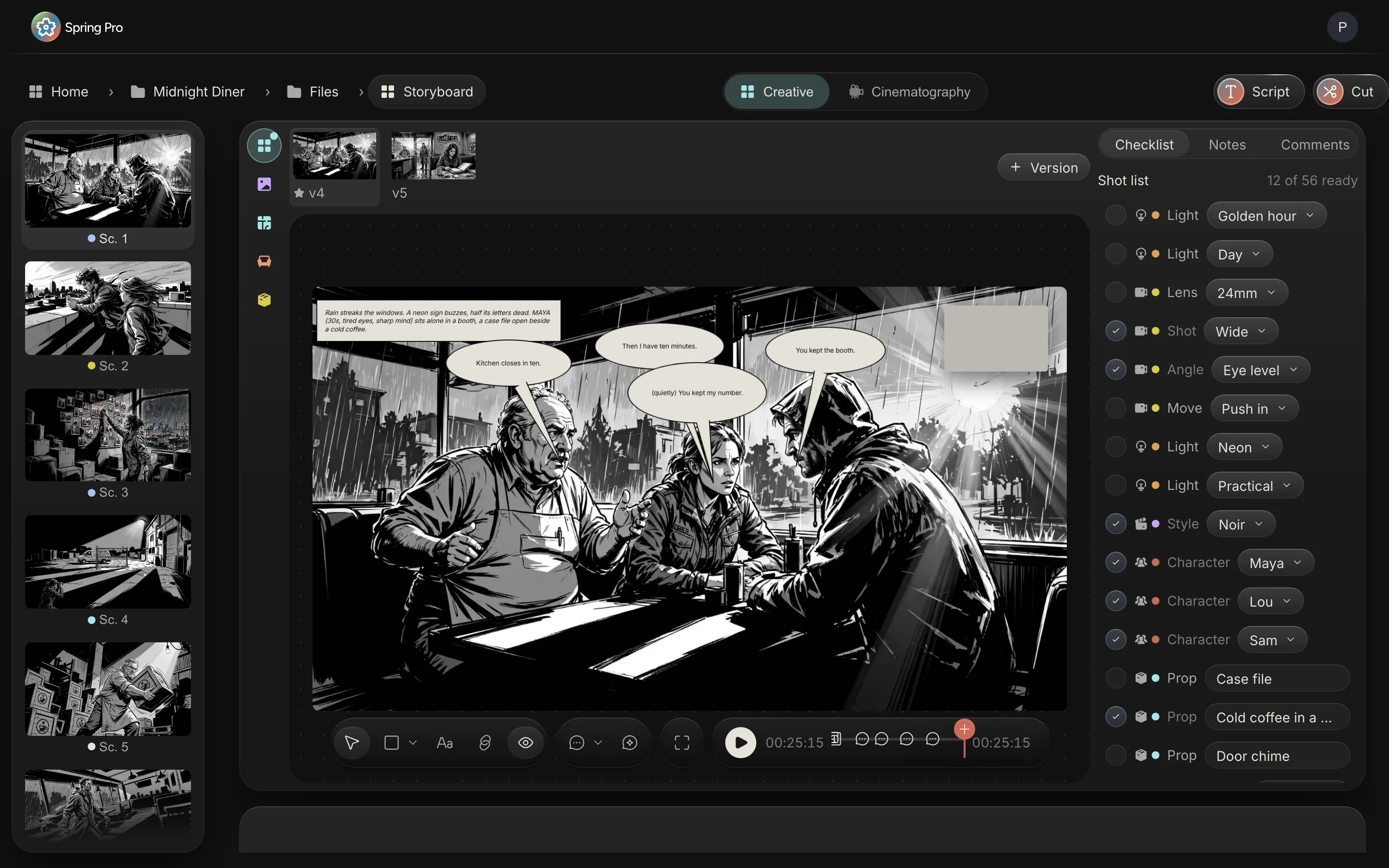
Updated 2026-10-12. Every screen is Spring Pro running Midnight Diner, our demo production.
Scenes sized the way a schedule reads them
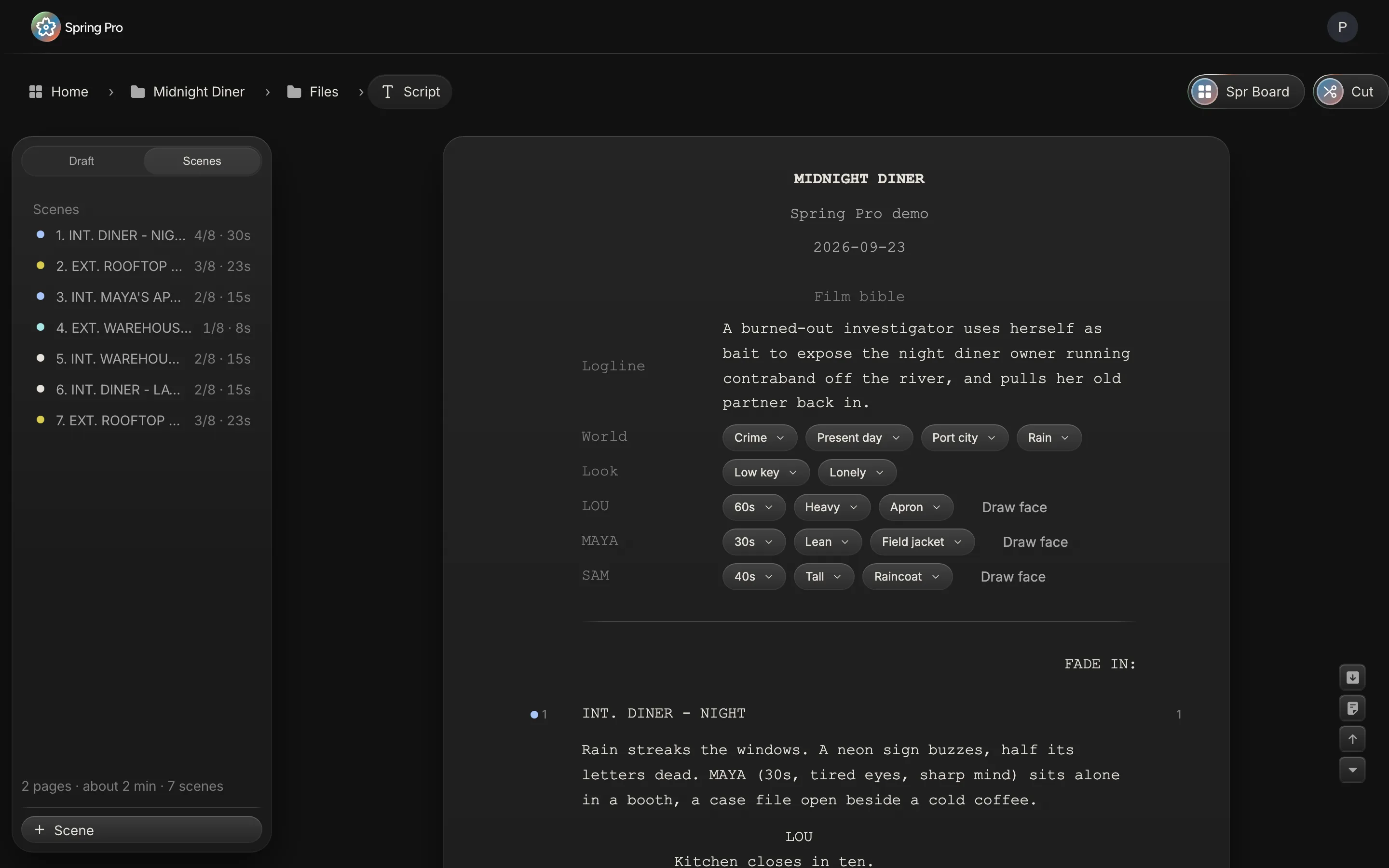
The screenplay is written on a real Hollywood page, twelve-point Courier, with scene numbers as you type. Every scene is measured in eighths of a page, eight eighths to a page, and given a planned screen time, so its size is known before it is ever scheduled.
Each scene heading also gives the breakdown its basics: interior or exterior, the set, and day or night.
Elements by industry category
Each scene holds its elements in the categories of the industry breakdown sheet: cast, extras, stunts, props, set dressing, wardrobe, hair and makeup, vehicles, special effects, VFX, sound and equipment. The cast in a scene comes from the script's own characters, so names stay spelled one way across the film.
Because elements belong to scenes, the elements report lists everything the production needs, and a shoot day lists everything that day needs.
To-dos that belong to departments
Every element is also work for someone. A to-do sits on the scene it belongs to, with its department, a priority from one to three, a due date and an owner from the crew list. Filter by department, by priority or by what is late, for one scene, one set or the whole film.
The props master sees the props, the location manager sees the locations, and the producer sees what is late across all of them.
Reports from the same breakdown
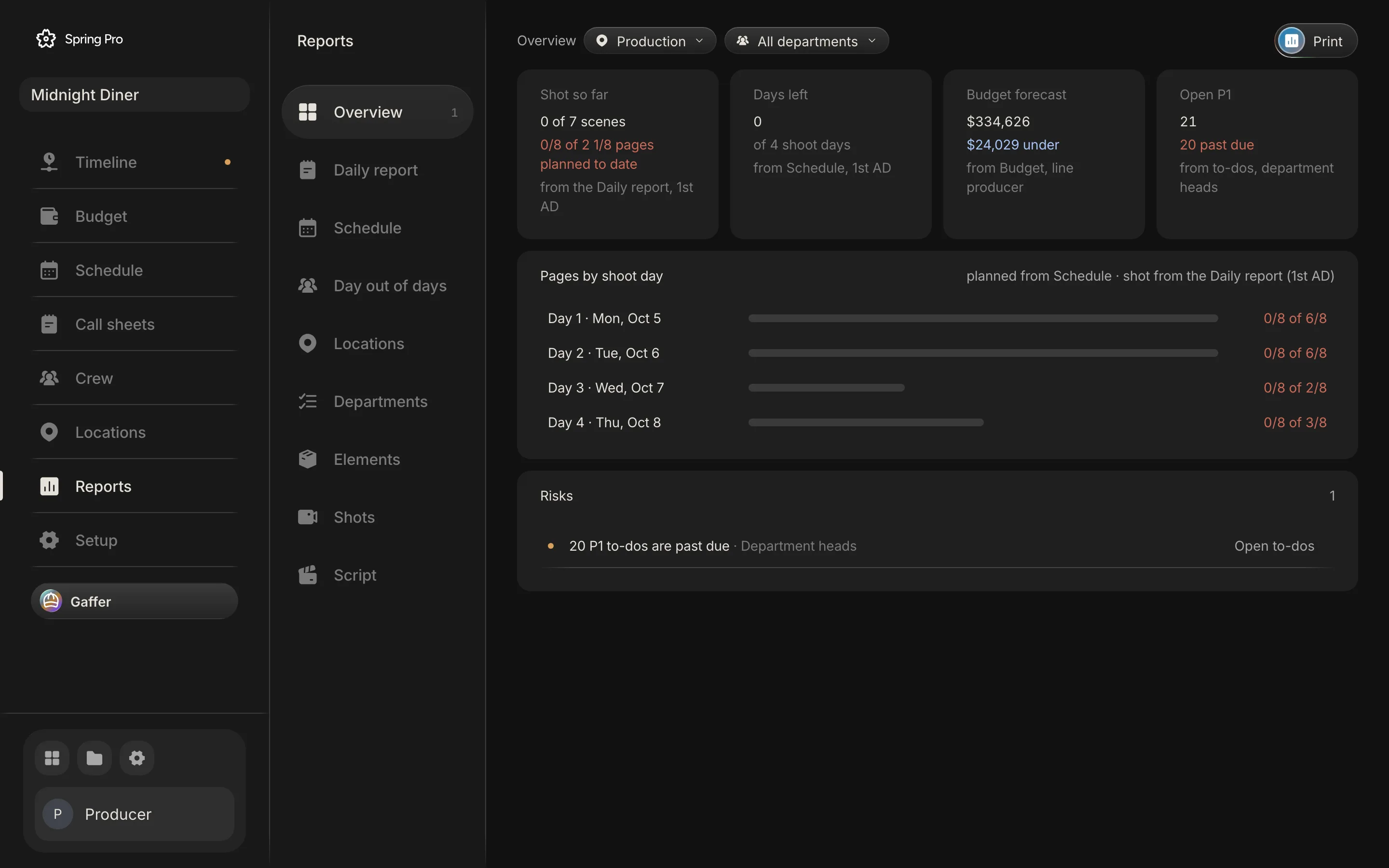
Reports read the breakdown directly: elements by category, department progress, the script by scene and the risks that need an owner this week. Nothing is retyped into the report, so it is current the moment the breakdown changes.
Who uses the breakdown
The 1st AD and the production manager break the script down and build the schedule from it. Each department head works their own category: props, wardrobe, hair and makeup, locations, transport. The line producer prices what the breakdown lists, and the producer follows what is late and what is at risk, all from the same scenes.
From breakdown to budget
Props, set dressing, vehicles, wardrobe and locations from the breakdown wait in the budget to be priced, each on its scene, so the cost of every scene is known. When something new is added to a scene after the budget is locked, it shows as new since the lock, so a script change never slips into the spend unnoticed.
One source for every department
The breakdown, the schedule, the call sheets, the reports and the budget all read the same scenes and the same elements. A change made once, by the person who owns it, is seen by everyone who needs it.
Questions
Can I import a script to break down?
Yes. Import Final Draft (.fdx) or Fountain and the scenes, their lengths and their characters come in with it.
What categories does the breakdown use?
The industry breakdown sheet: cast, extras, stunts, props, set dressing, wardrobe, hair and makeup, vehicles, special effects, VFX, sound and equipment.
Does the breakdown feed the schedule?
Yes. The schedule, the call sheets, the budget and the reports all read the same scenes and elements.
More about script breakdown
What each scene needs is listed once, by the people who know, and every other document should read it.
Set up your
production today.
The script, the storyboard, the schedule, the call sheets and the budget in one project.